
Your spreadsheet is causing problems. Find out what's wrong — and what to do next.
Your business depends on an Excel application that has become slow, unstable, unreliable or difficult to maintain.
You may know the symptoms. You may not know the cause — or whether the right answer is to repair it, modernise it, rebuild it, migrate it, or leave it alone.
The Business-Critical Spreadsheet Triage gives you an independent technical assessment, the supporting evidence, and a practical recommendation — normally within five working days.

Book a Free 30-Minute Suitability Call
Free, no obligation — find out if the Triage is the right fit for you.
If it is, the Triage itself is a fixed £1,250 — one business process, three deliverables, no open-ended commitment.
25+ years in financial-services Excel development · Microsoft Excel MVP · UK and US client experience · Secure remote delivery
Does this sound familiar?
Most business-critical spreadsheets don't fail completely. They keep operating — but only because users know which steps to follow, which errors to ignore, which values to correct manually, and which parts of the workbook nobody should touch.
Then something changes: Excel or Microsoft 365 is updated, a data source moves, the original developer leaves, volumes increase, or a user makes one more apparently minor change. The application that had been "working well enough" becomes slow, unpredictable, or increasingly difficult to trust.
A Triage may be worth having if several of these sound familiar:
insurance analyst responsible for a complex underwriting workbook
We are trying to fix something and we are breaking something.
You're not buying a list of workbook statistics. You're buying a defensible answer to: what should we do with this spreadsheet application?
Free Download
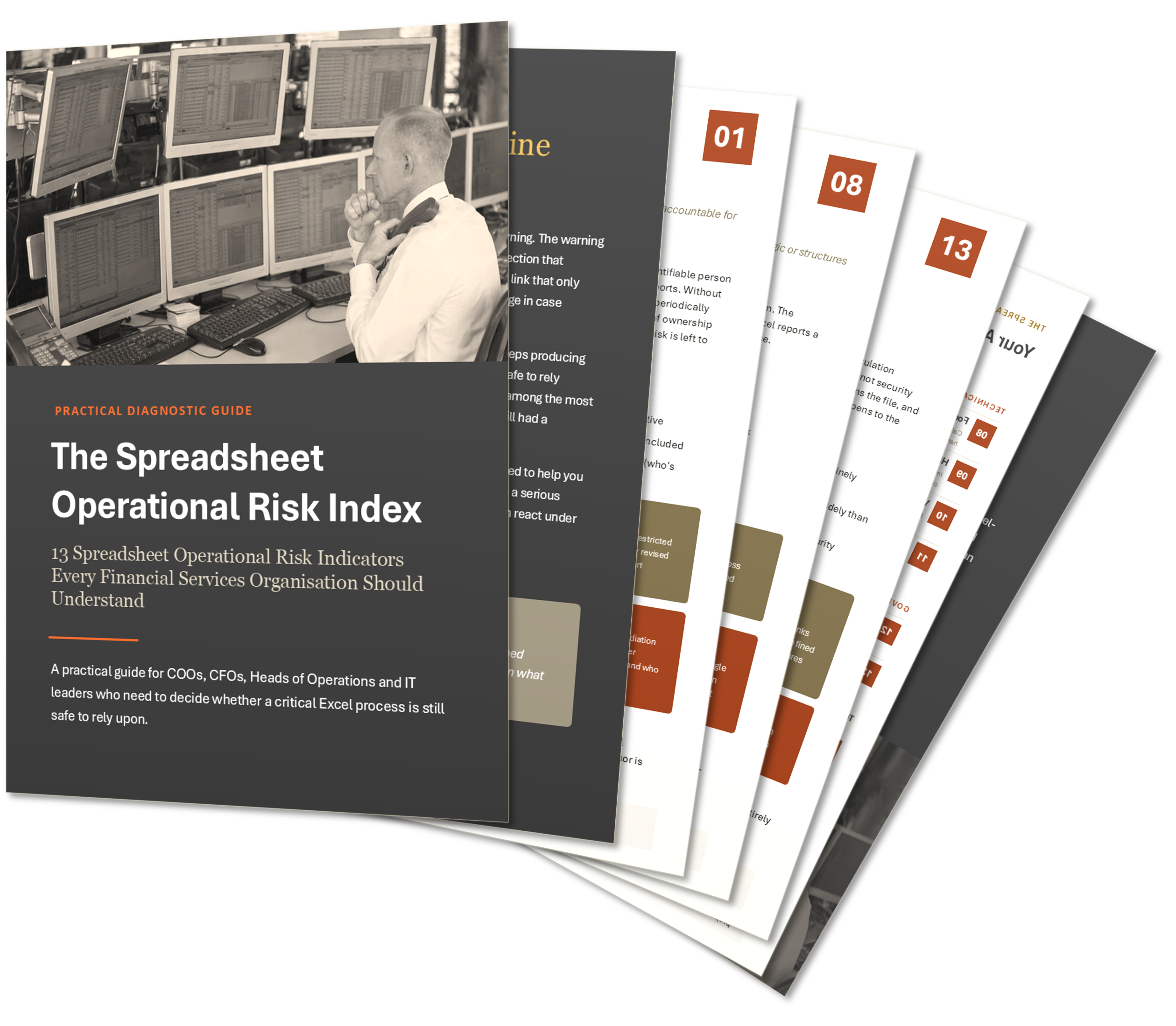
See the Warning Signs: 13 Indicators of Spreadsheet Operational Risk
From hidden formulas to spreadsheets nobody can safely change anymore, this guide walks through the thirteen warning signs that precede serious spreadsheet failure — each one illustrated with a real, documented case, including incidents that cost real companies millions. Includes a self-assessment scorecard so you can check your own spreadsheet in minutes.
Download it to see how many of these apply to your own spreadsheet.
What We Assess
The Triage can collect and evaluate more than 200 technical metrics and risk indicators. We look beyond what is visible on screen, examining the workbook’s structure, formulas, code, data connections, controls, formatting and operational dependencies to identify where hidden complexity, fragility and failure risk actually sit.
200+
8
1
Technical metrics and risk indicators
Assessment domains
Evidence-based recommendation
The analysis combines automated workbook metrics, targeted manual review, a walkthrough of the business process, and controlled hypothesis testing where useful. Metrics establish scale and point toward risk — they don't replace judgement.
Not every metric applies to every workbook. The analysis focuses on the technologies, dependencies and risks actually present in the application, and interprets them in the context of how the business process is used.
How it works — five working days
First, a free 30-minute suitability call. We confirm what the process does, what's going wrong, and whether the standard Triage is the right engagement.
What You Receive
The outcome isn't always "rebuild it"
A large or old workbook isn't automatically a bad one. A complicated application can have sound architecture; a small one can hide a single dependency capable of stopping the process cold. The recommendation follows the evidence, and may be:
Is the Spreadsheet Triage the right fit?
The service is designed for one important Excel-based process where management needs evidence before deciding what to do next.
The Triage is suitable when...
A different engagement is needed when...
Not Sure if a Triage is the right fit for you?
Book a Free, no obligation 30-Minute Suitability Call.
If it is, the Triage itself is a fixed £1,250 — one business process, three deliverables, no open-ended commitment.
25+ years in financial-services Excel development · Microsoft Excel MVP · UK and US client experience · Secure remote delivery
Access and confidentiality
Files can be provided through a controlled secure transfer, or the analysis can be run inside your own environment via remote access — useful where data or connection policies prevent external transfer. A hybrid approach (structural analysis on a supplied copy, then targeted testing in your environment) is also available.
All engagements are handled under agreed confidentiality arrangements. Nothing about your data, screenshots or findings is published or reused without permission.
Fixed Fee: £1,250
Payable before commencement.
Included: one business process, one principal workbook and its directly connected supporting files, up to two stakeholder participants, automated and manual analysis, controlled hypothesis testing where useful, three deliverables, the 60-minute debrief, normally delivered within five working days.
Not included: production repairs, a remediated workbook, full code/formula review, business-logic certification, implementation or ongoing support.
If the application turns out to be bigger than expected: we'll tell you what's been found, explain why the standard Triage can't responsibly cover it, and agree an extended scope and fee before continuing — or, where it's genuinely a different scale of problem, scope it as a separate project instead. Either way, what you've already paid is credited against the next step.
Specialist experience where the spreadsheet is the application
De Havilands specialises in Excel-based applications sitting inside real operational processes — retrieving data from databases or APIs, generating regulatory documents, supporting underwriting decisions, carrying years of embedded logic.
Our Principal Consultant, Marcus Syben, has 25+ years developing, investigating and modernising Excel applications for asset managers, investment banks, insurers and FX firms, and is a Microsoft Excel MVP — one of fewer than 200 worldwide.
A recent example: a mid-tier insurance group's underwriting workbook had become increasingly fragile after years of accumulated changes. The assessment identified intermittent data-retrieval dependencies, more than 52,000 shapes scattered far outside the visible working area of the sheet, unstable input controls, and version proliferation — several areas where attempts to fix one issue were quietly introducing another. The findings gave the client's technical team an evidence base for stabilisation and controlled rollout, rather than continuing to patch symptoms one at a time.
Frequently Asked Questions
Is this only for a workbook that's already broken?
No. It's suitable for something visibly malfunctioning, or something that still works but has become slow, fragile or overly dependent on one person — including ahead of a migration, acquisition or key employee leaving.
Will you review every formula and every line of VBA?
No — that's not the standard Triage. Automated metrics establish scale and structure; manual investigation focuses on the reported problem and the areas that actually matter to the decision. A full code review can be separately scoped if you need one.
Will you confirm the workbook's calculations are correct?
Not as part of the standard service. We can identify formula errors, broken references and inconsistent patterns, but certifying specialised accounting, actuarial or regulatory logic needs a separately scoped exercise with your subject-matter expert.
Do you make repairs during the Triage?
No — production repairs aren't included. We may modify a controlled copy to test a hypothesis, but that's diagnostic, not a deliverable.
When does the five-day period actually start?
Once we have everything agreed at commencement — files, passwords, representative data, instructions, and stakeholder availability. Delays on your side can pause the clock.
Are we obliged to use De Havilands for the next stage?
No. The findings are designed to stand on their own — you can act on them internally, with us, or with someone else.
Stop guessing what the workbook needs
Book a Free, no obligation 30-Minute Suitability Call — find out if the Triage is the right fit for you.
If it is, the Triage itself is a fixed £1,250 — one business process, three deliverables, no open-ended commitment.
25+ years in financial-services Excel development · Microsoft Excel MVP · UK and US client experience · Secure remote delivery